Available Groups




From GH warehouse
GH¢230.3
GH¢329
30%
30 items left
5

SELECTED 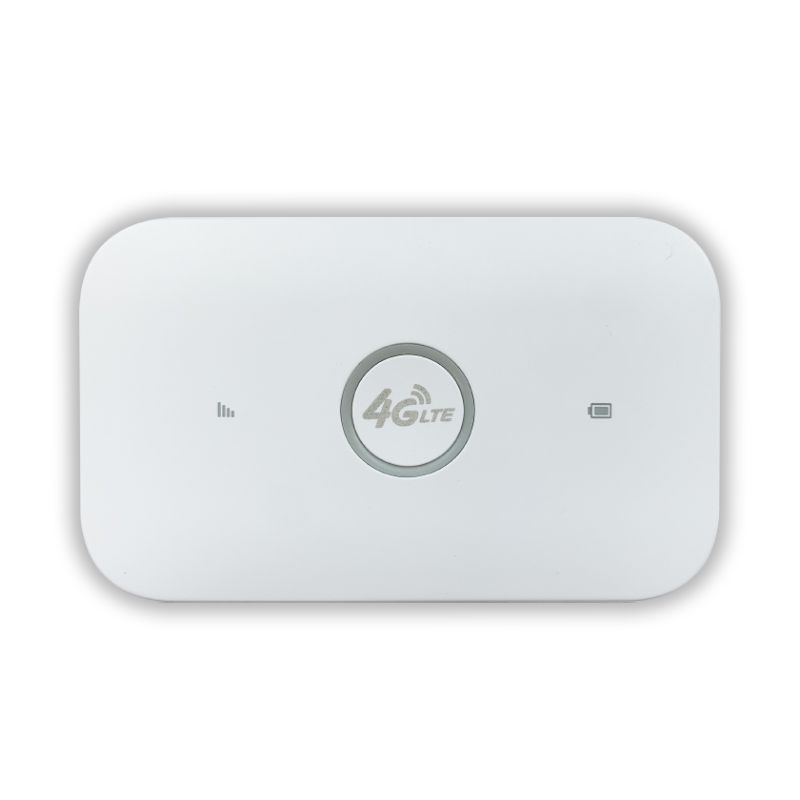

DELIVERY Please select the delivery address
Evaluation 1 More
2025-05-19
very good product
Specification:Color:White
Just For You More
30%
GH¢ 45
30%
GH¢ 84
30%
GH¢ 49
30%
GH¢ 89
30%
GH¢ 55
30%
GH¢ 83
30%
GH¢ 245
30%
GH¢ 36
30%
GH¢ 58
ProductParam
| id | 1861218257145733122 |
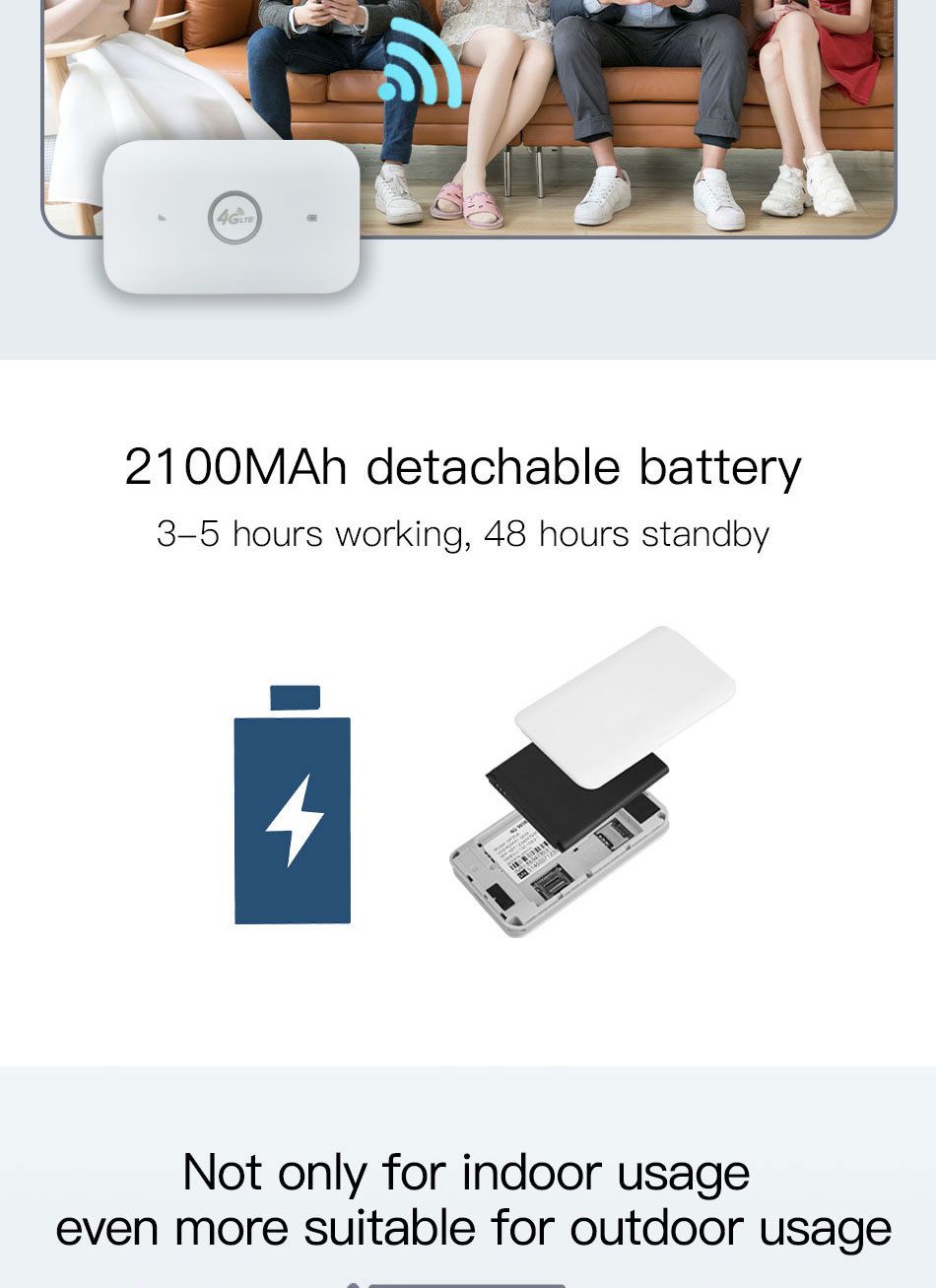
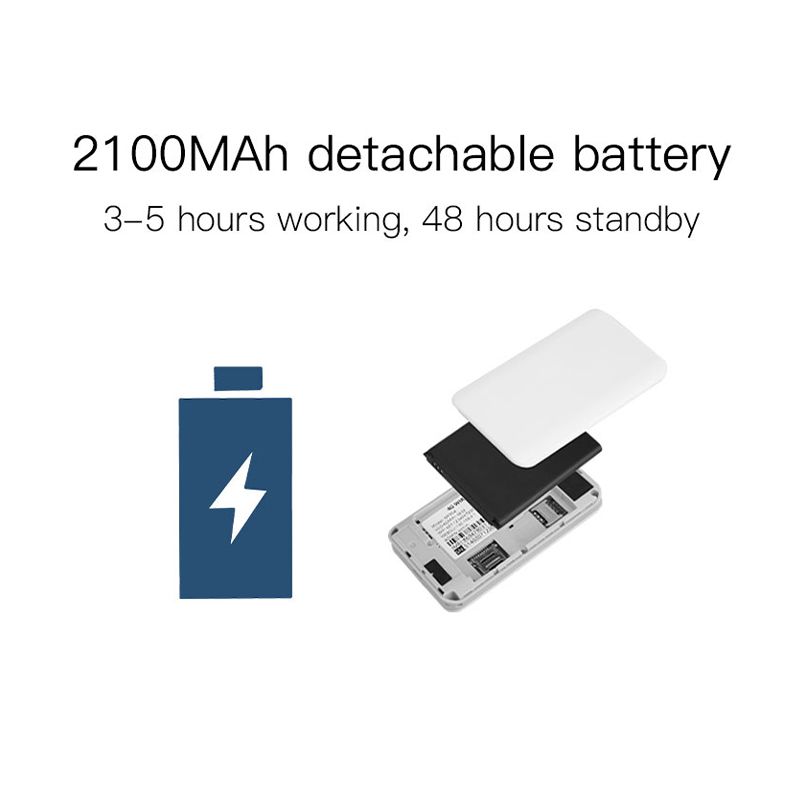
*The battery would be gone during transportation ,Pls use 5V1A charge to charge 3 hours before use. and pls take off insulating film from battery metal pins .Otherwise it might not work .
*the device is free of charge. You need to prepare a SIM card that can access the Internet and insert it into the device to use it.
*If you encounter any problems during use, please feel free to contact me
*Router login info:
Router IP address :192.168.100.1
Default WiFi name :4G-UFI-XXXX
Default WiFi password :1234567890
PRODUCT INTRODUCTION
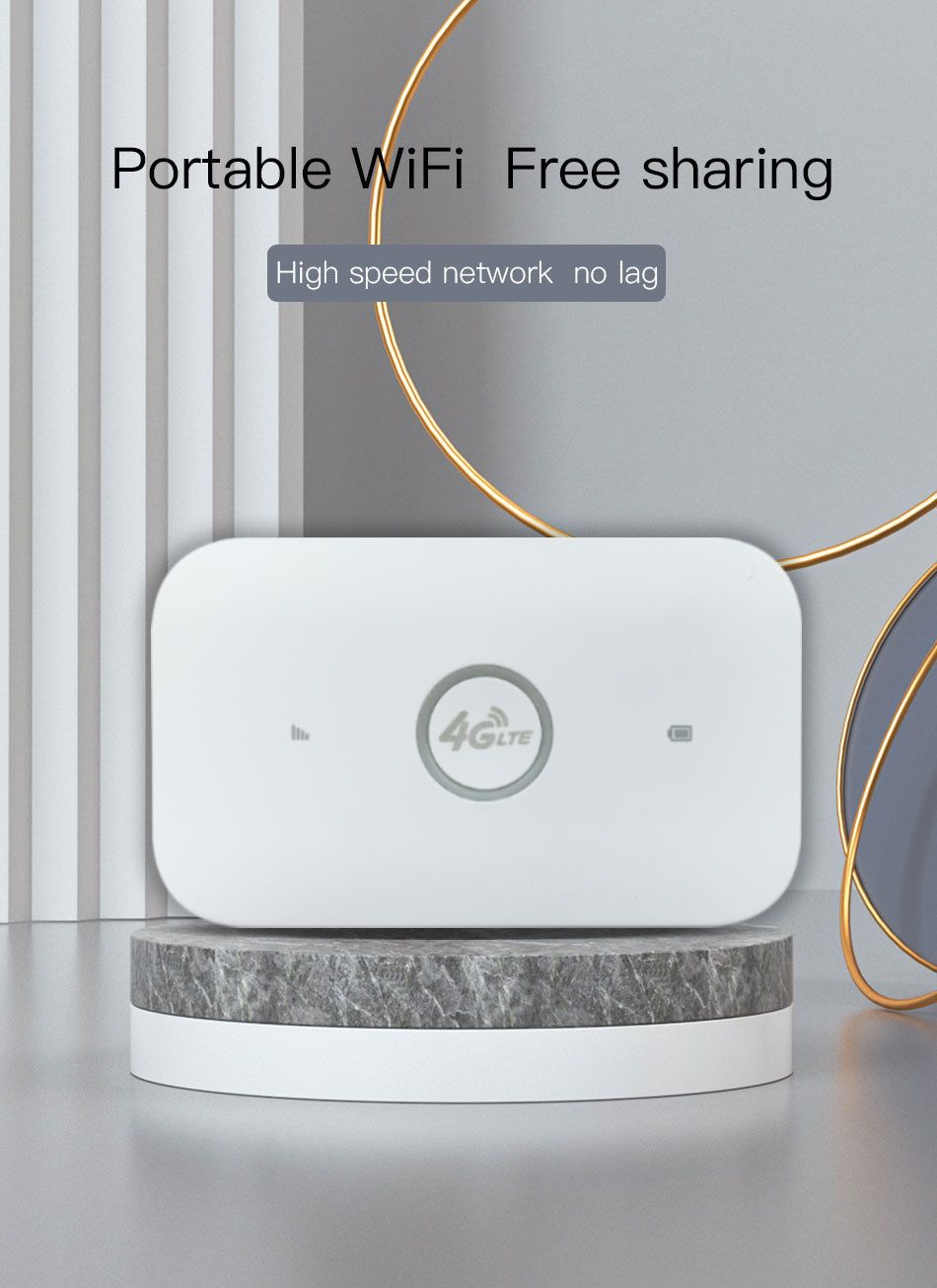
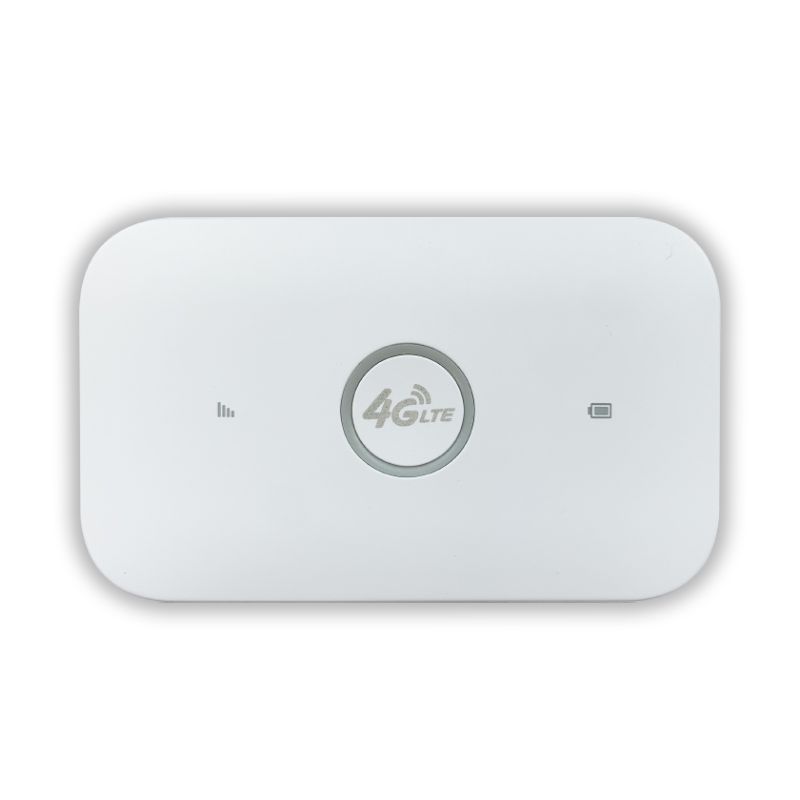
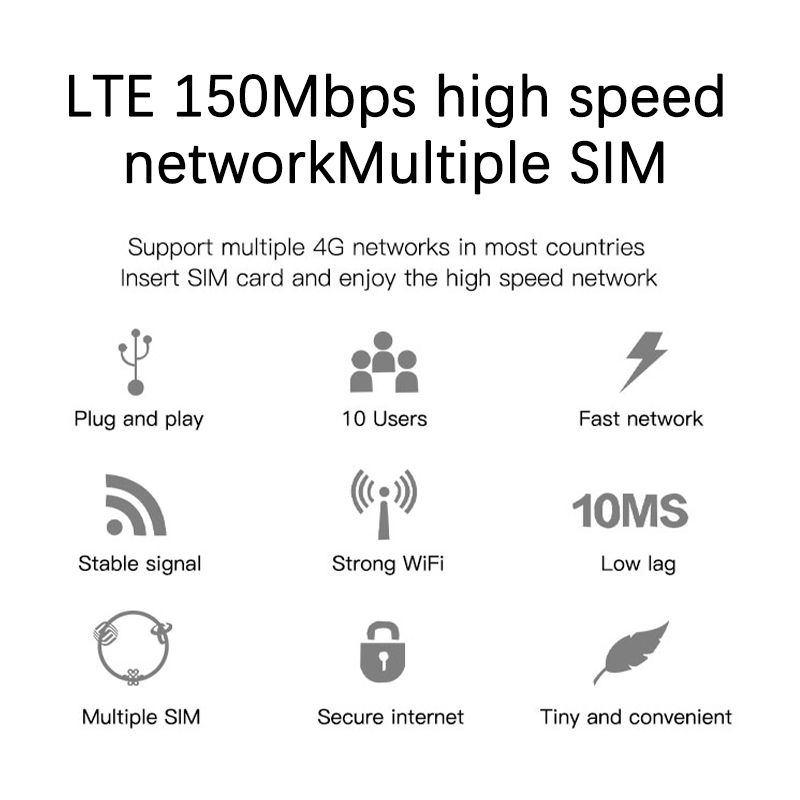
This is a pocket 4G LTE wifi router ,with built-in rechargeable lithium battery , support 10 WiFi users , use big SIM card (compatible with Micro and Nano SIM ).
This MIFI doesn't include SIM card , user need to buy a SIM card from local operators to use this device .
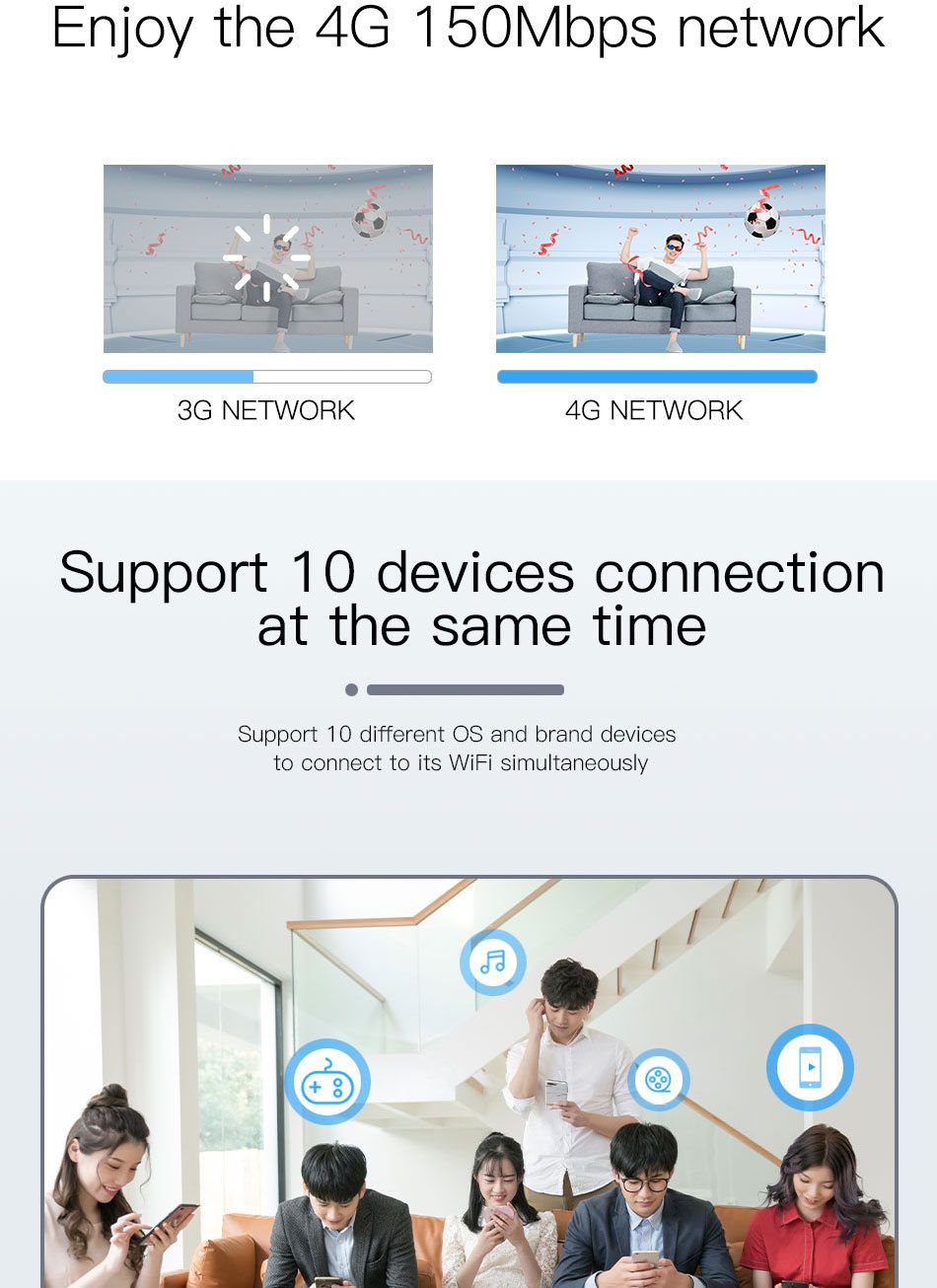
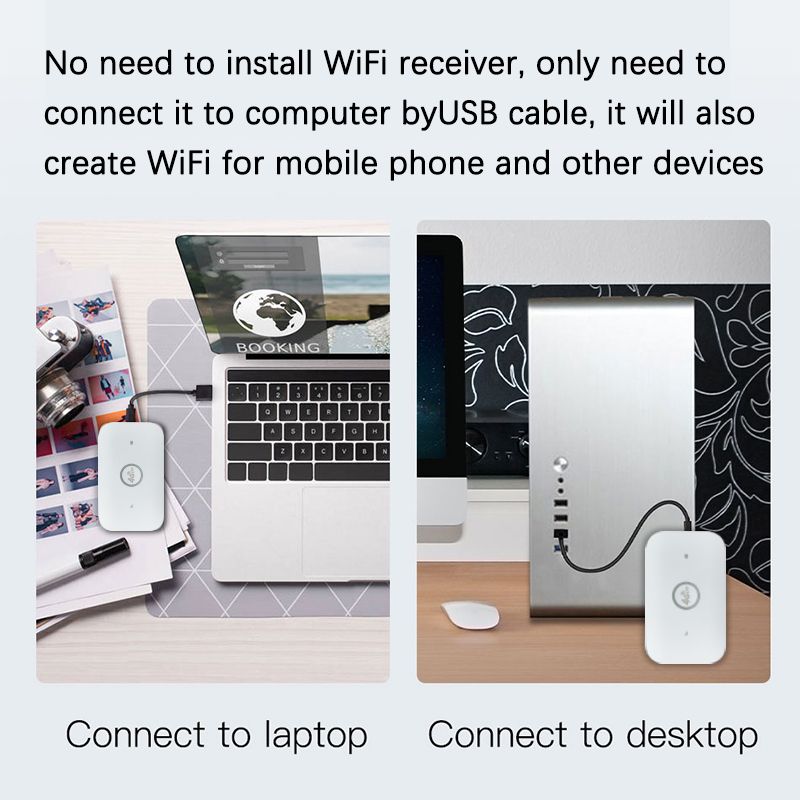
this device provide high speed 4G LTE WiFi access , support 10 WiFi users and able to work as USB modem on Windows computer .
This wifi router support both 3G&4G networks.
Tablet ,Laptop, computer, Mac books ,mobile phones and different types of WI-FI devices can connect to the 4G WiFi routert to access to Internet
PRODUCT FEATURES
High speed LTE Chipset, Support TDD-LTE/FDD-LTE/UMTS/ networks
Up to 10 WiFi users
Big rechargeable lithium battery
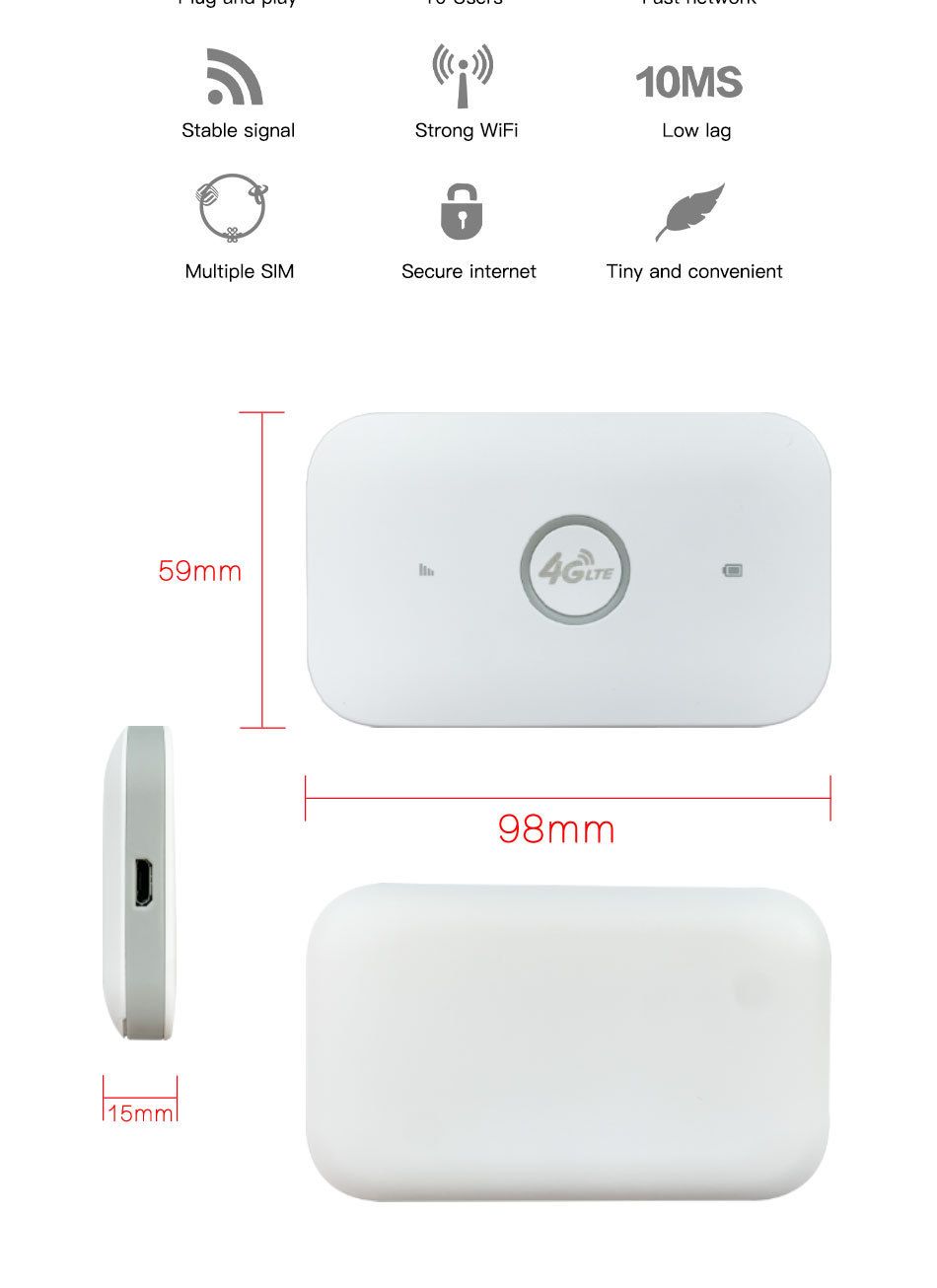
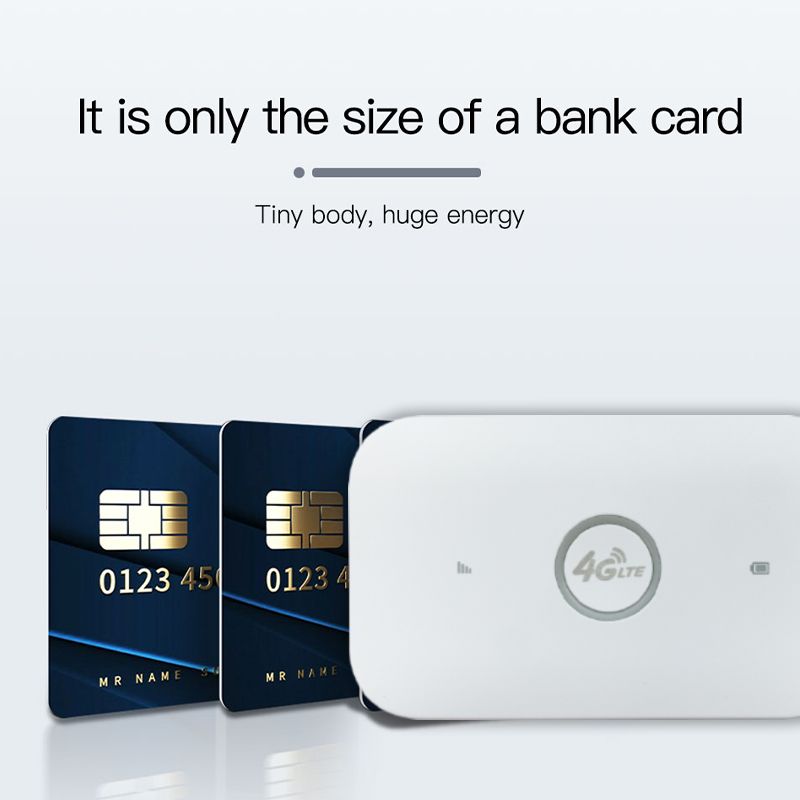
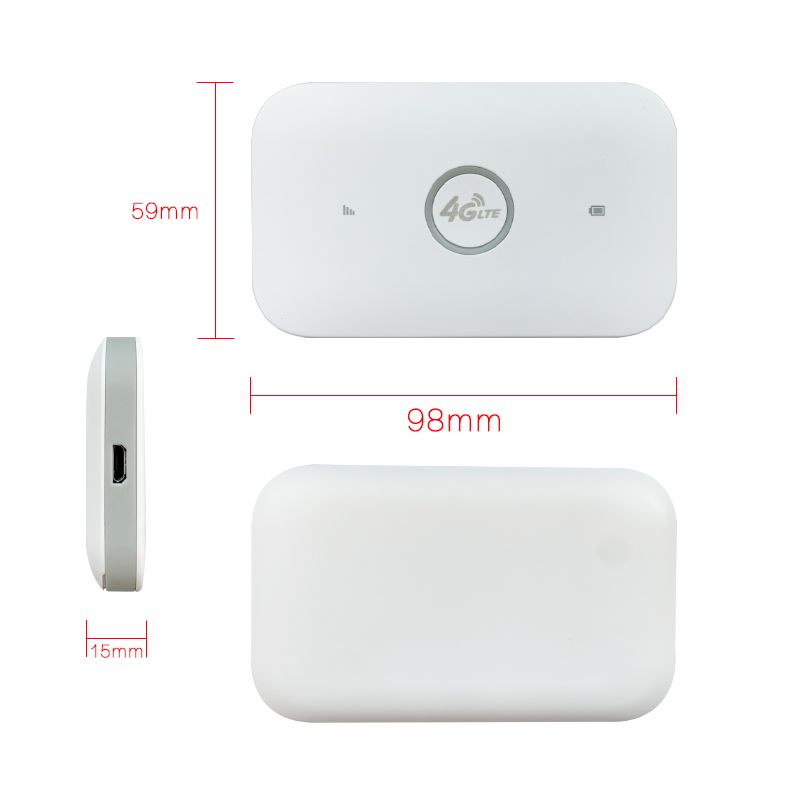
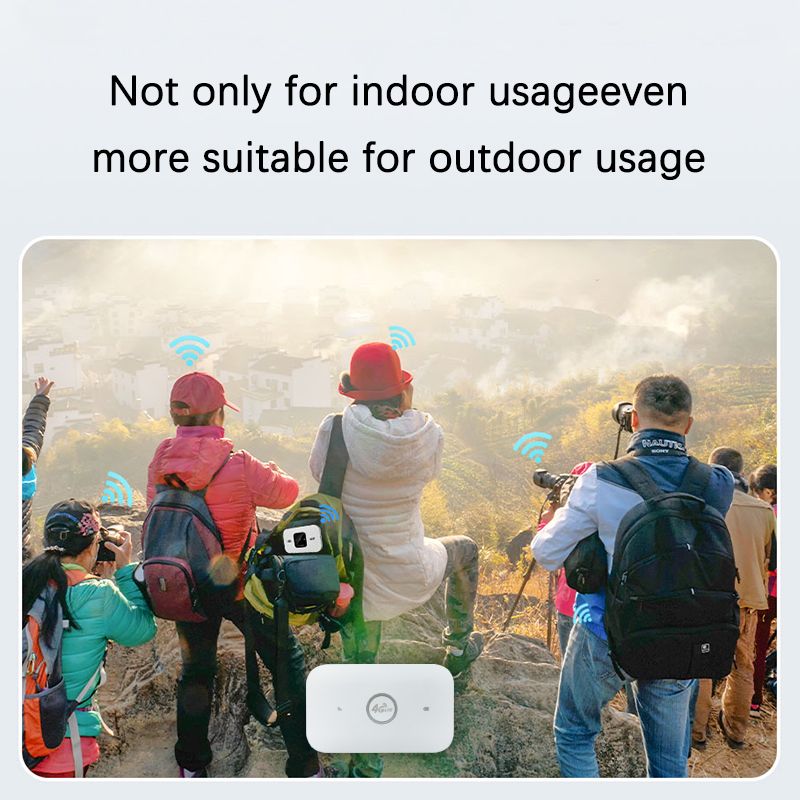
small size pocket WiFi Hotspot
USB modem on Windows computer
Troubleshooting for failure to boot:
1.The battery insulation strip has not been removed.
2.Fully charge the battery.
3.You need to press and hold the power button to turn it on.
Troubleshooting for no network:
1.Check whether the SIM card is inserted correctly:The correct way to insert the SIM card is with the chip facing down. One end of the sim card is completely straight, while the other end has a slanted corner. Insert the card into the slot using the straight end.
2.If there is no problem with the card insertion, you need to wait a little longer for 1 minute for the first use because it needs to register the network, so it will be a little slower, and then it will be very fast in 30 seconds
3.Add APN:Some SIM card operators set specific network configurations,you need to manually add APN. The APN information needs to be obtained from the card vendor. To add APN: (1) Put a SIM card into the device and turn it on; (2) Connect your phone or computer to the device's WIFI; (3) Open the IP address, log in to the backend, find the APN setting, click: Add, add the APN of this SIM card as required, and save it.
4.You can try to change the SIM card to see if it is a SIM card problem, or try to use it in another place to see if the signal is poor at the current location.